
 admin
admin 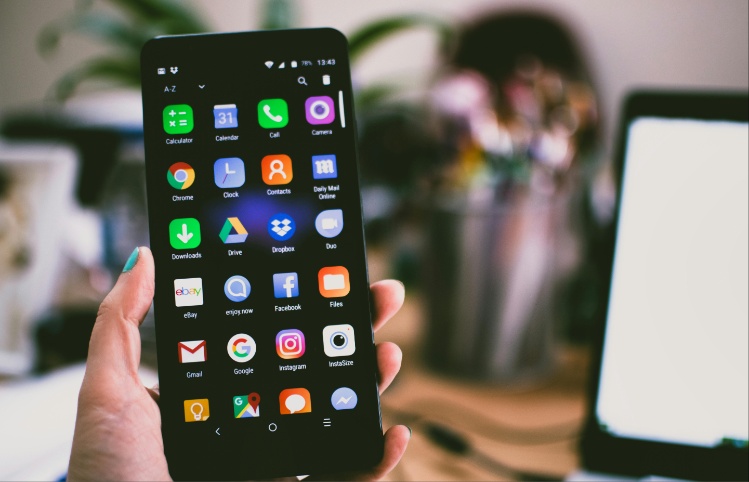
A hanging phone slows everything down, whether you are texting, recording videos, or scrolling through social media. Most users experience lag because of low storage, outdated apps, overheating, or too many background processes running at once. The good news is that you do not always need a technician. With a few practical steps, you can restore your device’s speed within minutes.
Clearing phone storage is one of the most effective fixes. Low internal space forces your device to struggle with basic tasks, causing apps to freeze or load slowly. Removing unnecessary photos, videos, downloads, and duplicate files frees up memory immediately. Backing up important items to Google Drive helps reduce clutter without losing data. Uninstalling unused apps and clearing app cache in the settings menu also frees valuable space. Creating at least 2 to 4GB of free storage can noticeably boost performance on most Android devices.
Closing background apps helps relieve pressure on your phone’s processor. When too many apps stay active, they consume RAM and slow down performance. Regularly clearing recent apps keeps your device responsive. On Android, swipe up to view open apps and clear them. On iPhone, double-tap the home bar and swipe them away. Disabling auto-start apps is equally useful. Some apps, including TikTok, Instagram, and certain games, continue running silently. Turning off auto-start frees up resources and reduces random freezes.
Restarting the device solves many software-related issues. A simple reboot clears temporary files, resets processes, and refreshes memory. Phones that hang frequently often benefit from a daily restart. For severe freezes, long-pressing the power button for 10 to 15 seconds forces a shutdown. After rebooting, users usually notice smoother operation almost immediately. Although basic, this step remains one of the most reliable fixes.
Why do updates help fix a hanging phone?
Updating apps and software ensures your phone receives the latest bug fixes and performance improvements. Outdated operating systems often cause crashes, glitches, and lag. Checking for system updates in the settings menu helps keep the device stable. Updating apps through the Google Play Store or App Store also improves speed. Developers frequently release patches that reduce memory usage and enhance compatibility. If an app keeps freezing even after an update, uninstalling and reinstalling it can remove corrupted data that causes performance issues.
Removing problematic apps is another important step. Some applications are poorly optimized, filled with ads, or designed in a way that drains system resources. If your phone started hanging after installing a specific app, that app may be the cause. Uninstall suspicious apps, especially free VPNs, RAM boosters, battery-saving apps, or cloned versions of popular apps. These applications often run constantly in the background. Sticking to trusted apps with high ratings helps protect your phone from unnecessary strain.
What should you do if your phone still hangs?
A hanging phone is not always a sign of serious or permanent damage. Most performance issues are resolved through simple maintenance. Clearing storage, closing background apps, updating software, and removing problematic apps can significantly improve speed without spending money on repairs. If your phone continues to lag even after trying all these steps, consider backing up your data and performing a factory reset. If the problem persists, visiting a certified technician for a proper diagnosis is the safest next step.
By Modester Nasimiyu